
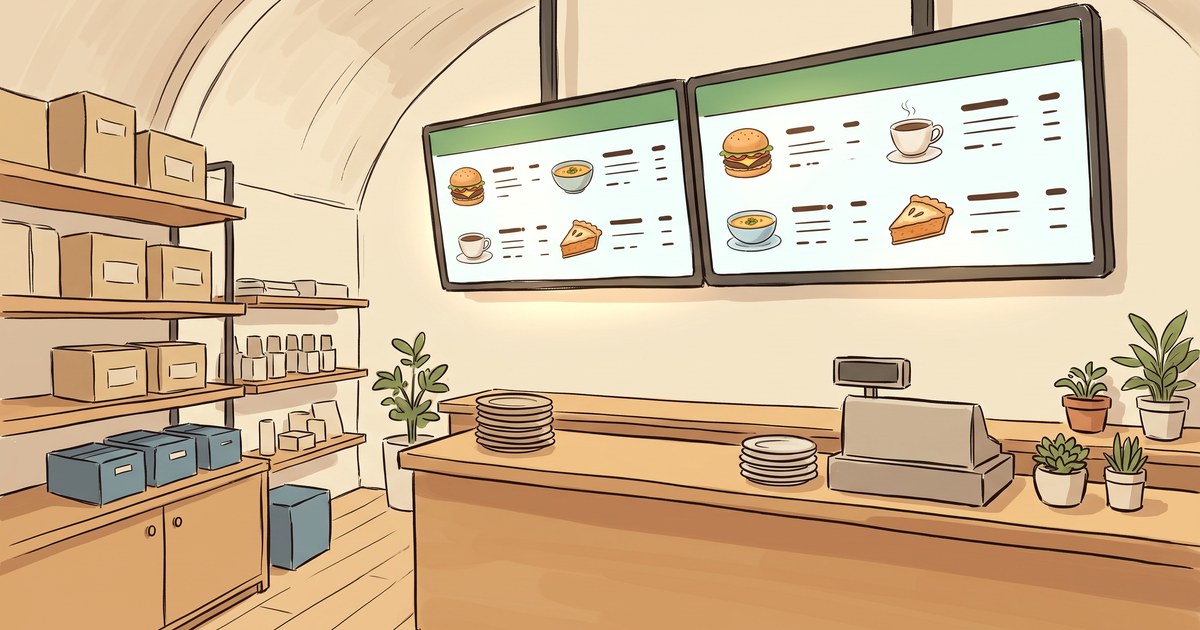
A printed menu is a promise you made a few months ago.
You picked the items, you set the prices, you sent it to the printer, and now you have 300 of them in a box under the host stand. Whatever happens between then and the day the box runs out, the menu says the same thing. You ran out of the salmon at 6:15. The menu still sells salmon. You raised the price of the burger in June. The menu still says May.
That gap, between what the menu says and what’s actually true in your restaurant tonight, is the entire argument for digital menu boards. Not that screens look modern. That paper can’t keep up with you.
So here are the four jobs. If none of them are problems you have, you don’t need a screen, and I’d rather tell you that than sell you one.
1. Change with the hour
Breakfast ends. The menu doesn’t.
Most restaurants run at least two different businesses out of one room. Morning is a different menu, a different price point, and a different customer than 7 PM. On paper you handle that with a second menu, a flipped board, or a laminated insert somebody has to remember to swap.
A screen just switches. Breakfast until 11, lunch until 4, dinner after that, and nobody touches anything. Same for the parts of the week that aren’t like the rest: brunch on Sunday, the taco thing on Tuesday, happy hour from 3 to 6.
This is the job people underrate, and it’s the one that pays off every single day rather than once a season.
2. Take something off the second you’re out
Every server has had this conversation. The guest orders the thing. The thing is gone. Now somebody’s apologizing at the table for a promise the menu made and the kitchen can’t keep.
You can’t unprint a menu. The workaround is a Sharpie, a sticker, or a server memorizing the 86 list and heading it off before the guest gets attached.
On a screen you pull the item and it’s gone in seconds, before the next table ever sees it. Nobody gets disappointed by something they never read about. That’s a small thing that happens constantly, which is usually where the real money hides.
3. Point at what you actually want to sell
A paper menu treats every item the same. Twelve entrees, same font, same size, in a list. The kitchen’s best dish and the thing you keep on there for one regular get identical billing.
But you know which items you want moving. The high-margin one. The one using up product that turns this week. The one people love that nobody notices on line nine of a list.
A screen lets you put that item where the eye goes and change your mind on Thursday. That’s the same logic as the zones in the rest of your space: the message that’s working sits where people are actually looking.
4. Stop being wrong
This is the unglamorous one and it might be the most valuable.
Restaurants accumulate small lies. The price that went up but the board didn’t. The hours that changed when you dropped Mondays. The item you stopped serving in March that’s still listed because reprinting felt like a whole project.
None of these are a crisis on their own. Together they teach people that your posted information isn’t reliable, which is a bad thing for guests to learn about a place that handles their food.
A screen is only right if somebody keeps it right. But the cost of fixing it is thirty seconds instead of a print run, and things that are cheap to fix actually get fixed.
The honest counter-argument
If your menu genuinely doesn’t change, don’t do this.
A place with twelve items, stable prices, and one service a day is well served by a nice printed menu and a good chalkboard. Paper is cheap, it never reboots, and it looks warm. Buying a screen to display a menu that never changes is buying a very expensive piece of paper.
The four jobs above are all versions of the same job: keeping up with a restaurant that moves. If yours doesn’t move much, you already have the right tool.
What it looks like to run one
Two things make the difference between a menu board that works and a TV with a menu on it.
The first is that it changes on its own. You set the breakfast board to run until 11 and the lunch board to take over, and then you go do your actual job. If you’re relying on somebody remembering to switch it at 11 on a Saturday, you don’t have a system, you have a chore. (Same reason holiday promos belong on a schedule instead of a sticky note.)
The second is that you can change it from where you are. Pulling an item shouldn’t mean going to the office, finding a laptop, and logging into something. It should be a phone thing, from the pass, in the middle of service, in under a minute. That’s the only way it actually happens on a busy night.
Everything else is decoration.
BrandCast runs the screens and the schedule. Build your boards, set breakfast to hand off to lunch on its own, and change any of it from your phone mid-service. Getting a screen live takes about five minutes. See how it works at brandcast.app.